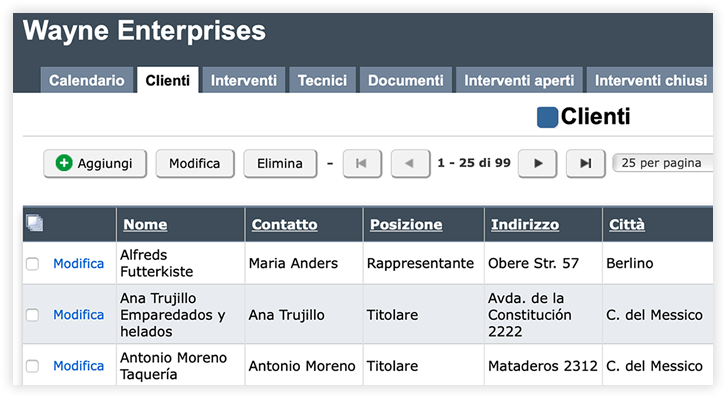

Database online ready in no time
A few simple steps to organize and share your data.
1. Create your database
Create a new database from scratch or get started instantly with one of our ready-made databases, fully customizable in just a few clicks.
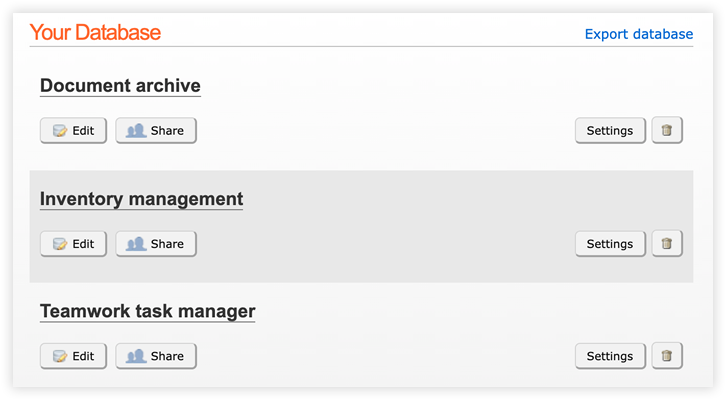
2. Add custom tables
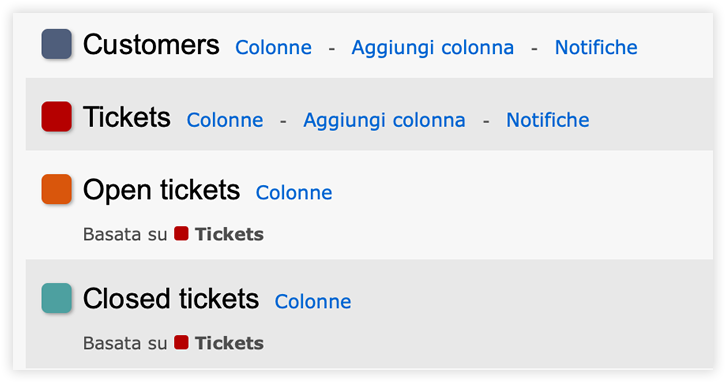
Add one or more tables to your database. Use Excel to automatically create a table. Create filtered views of your data and set up email notifications to stay updated on any changes.
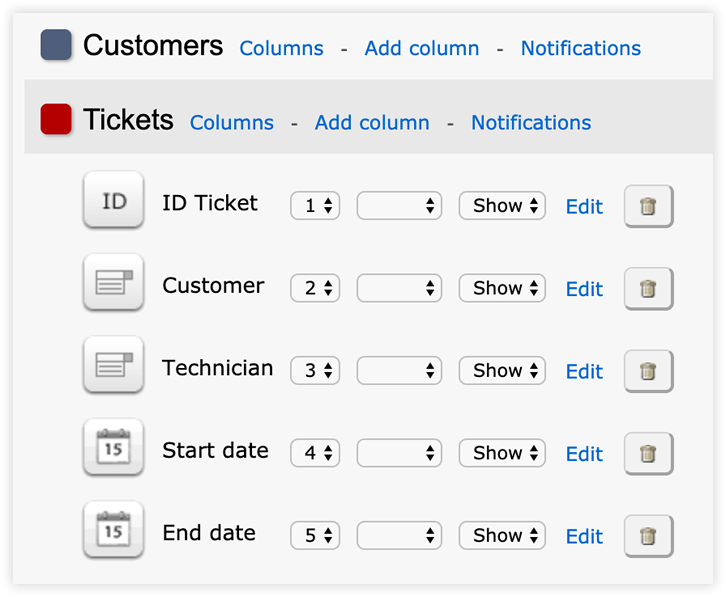
3. Set up columns with the fields you need
Add text columns, numbers, email, file and other type of columns. Sort the data by one or more columns and create relationships between tables using a list column.
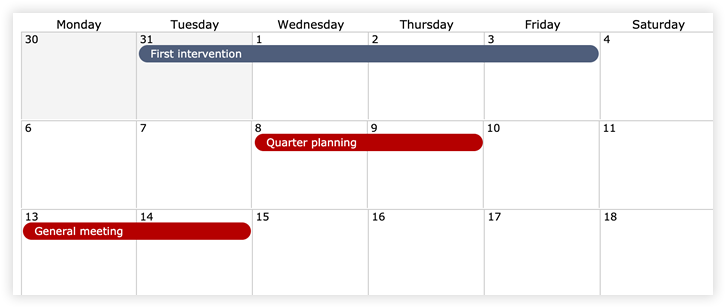
4. Visualize your data in calendar view
Organize and explore your data in a calendar format. Perfect for tables like events, tasks, or any content that uses date and time fields.
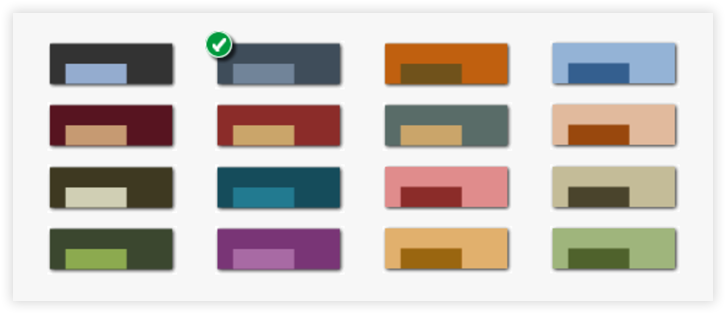
5. Customize your database with a unique color
Customize your database by choosing a color that best represents it. Make each project instantly recognizable at a glance.
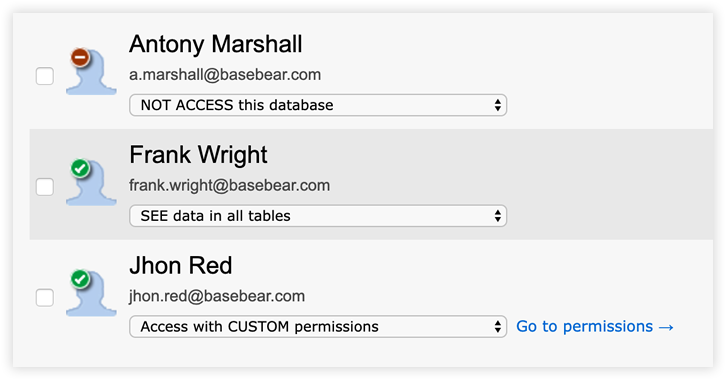
6. Share your database with secure, role-based access
Share your database with others by assigning customized access permissions. Decide who can view, edit, or delete data-even limiting access to specific tables or columns.
7. Enter and manage your data with ease
Access your database from anywhere and work on your data without any installation. Basebear’s cloud platform lets you manage information securely, quickly, and collaboratively.